🚗How to use a car scanner for reading fault codes in vehicles
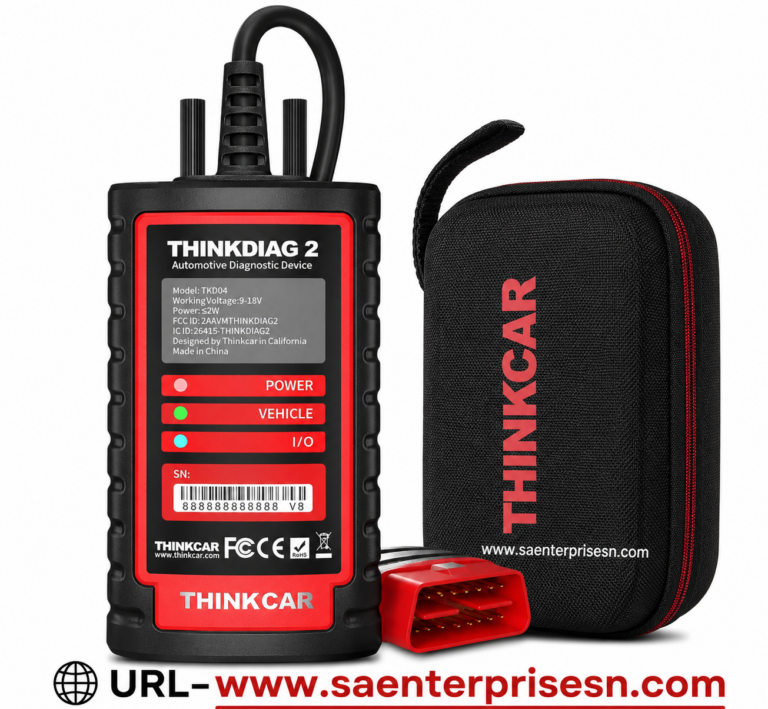
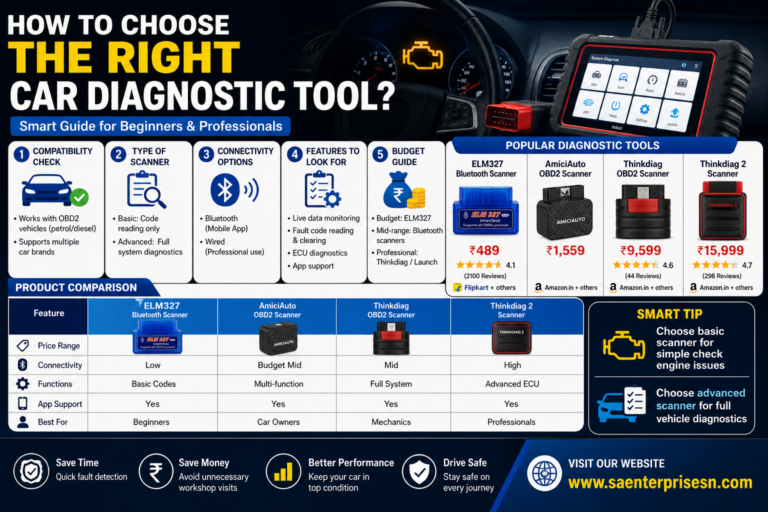
Acar scanner has become a very important tool for car owners and car mechanics as it makes their work much easier. Car Diagnostic Scanner is a very good scanner that lets you scan easily, read the fault, and erase it. full diagnostic system – Engine, airbag, ABS, ECM, immobilizer, etc. The people in the car garage do the actual work on this scanner. This scanner can work with multiple brands. If you have scanned any car and you are not able to understand its read code, then there is a search option in which you can go to the electricity court and check what the fault is and how to fix it. We have multiple scanners like ThinkDiag 2, Stool, Launch, DigiScan, JaLtest, and Garuda 2, We have car scanners ranging from low budget to high budget, which you can select according to your budget.
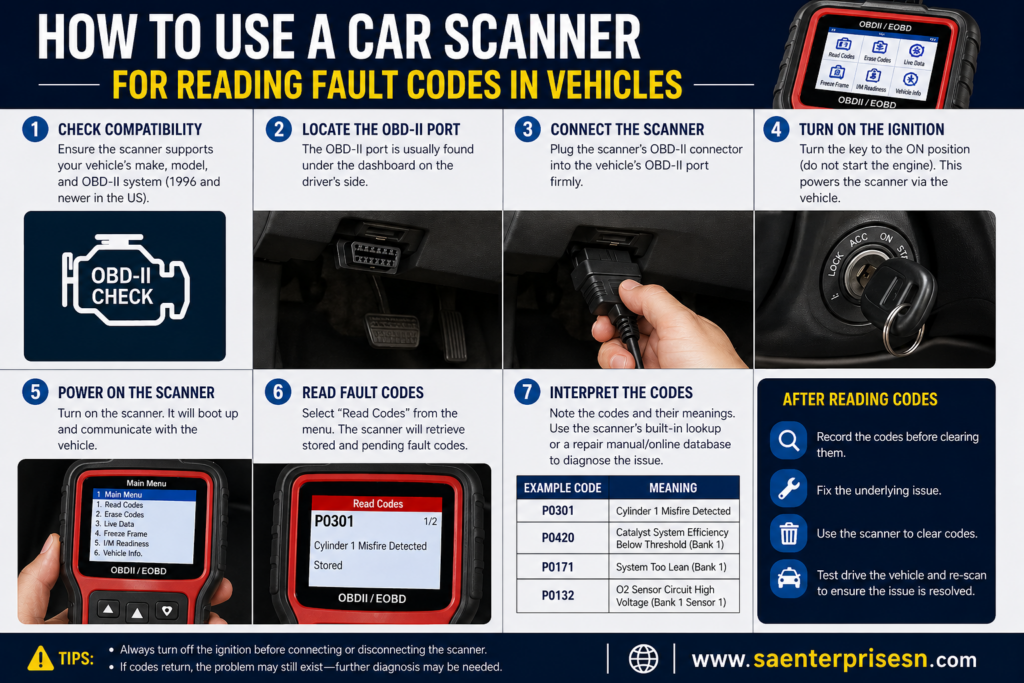
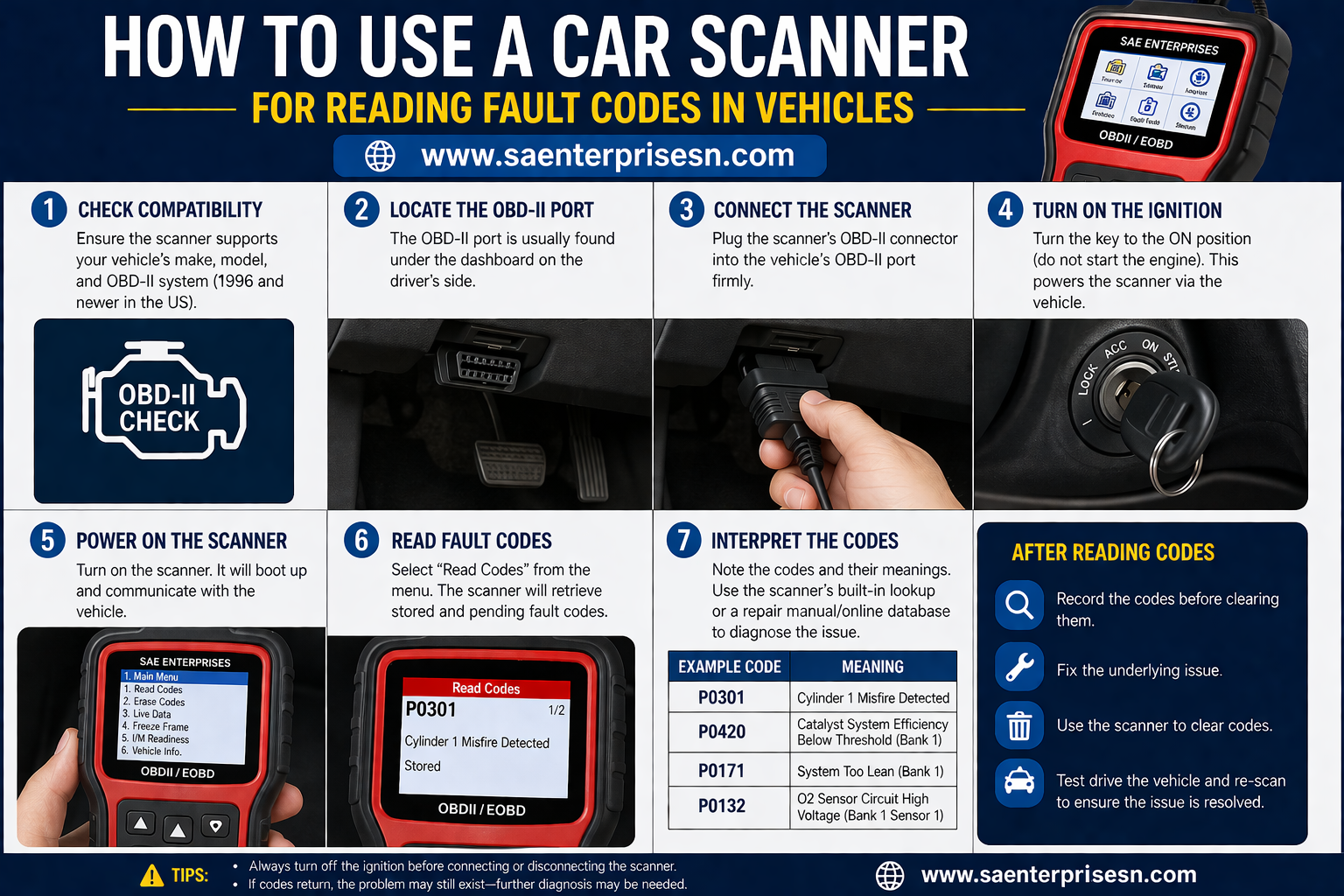
How do we use a car scanner?
How do we use a car a good scanner? I will tell you step by step.
1- Find the OBD Port
Mostly it is kept under the dashboard in the car, which can be checked very easily, it has a 16-pin connector in which you can connect it.
2- Connect the OBD scanner
- Plug the scanner into the OBD port
- Ignition is on but the engine must be off
3- scanner power on
- The light comes on automatically after connecting the scanner.
4- Connect & Scan
- You can read the fault code by going to the scan option.
- scanner takes data from ecm(engine control module)
5- Read Fault Codes and clear
- Fault is detected after reading fault code
- Example-(P01832- immobilizer authentication failed)
- You can delete any fault code that appears.
6- Common Uses of a car scanner
- Scanning the Check Engine Light
- ABS & Airbag system check
- check live data
- check Battery & sensor monitoring